Orders
- Pull from your OMS based on criteria you set
Automation
- Rules engine applies decisions to every order
- You specify how the rules engine makes decisions
Shipments
- Decisions sent to your WMS
- Batches generate based on your criteria
- Pick ticket down to the level of packout detail
(e.g., boxes, liners, coolant) - Shipping label based on what carrier was selected
Delivery
- Every step of the process tracked
- Every decision and its reasoning recorded
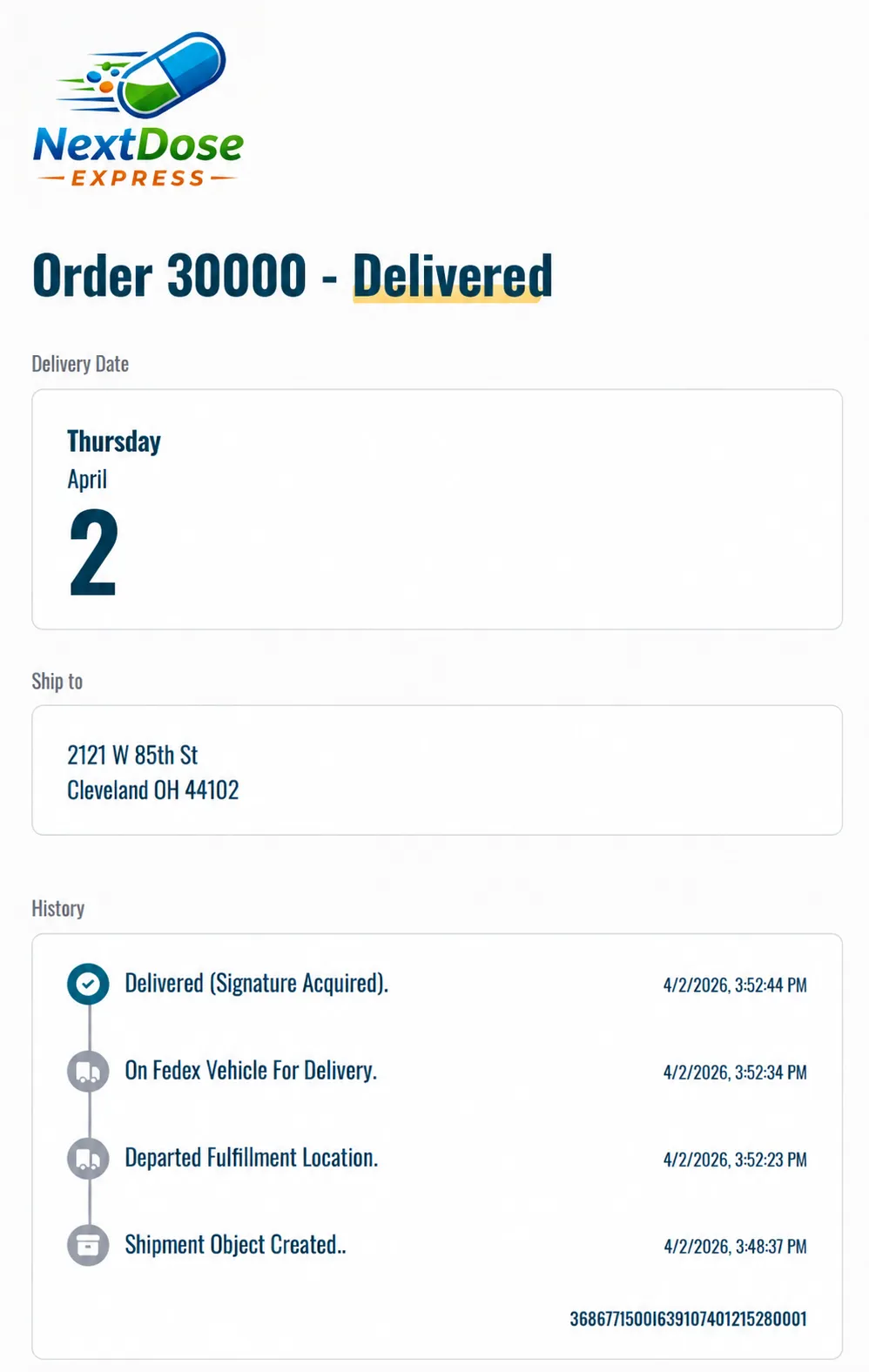
- Provide tracking link to your customers if you want
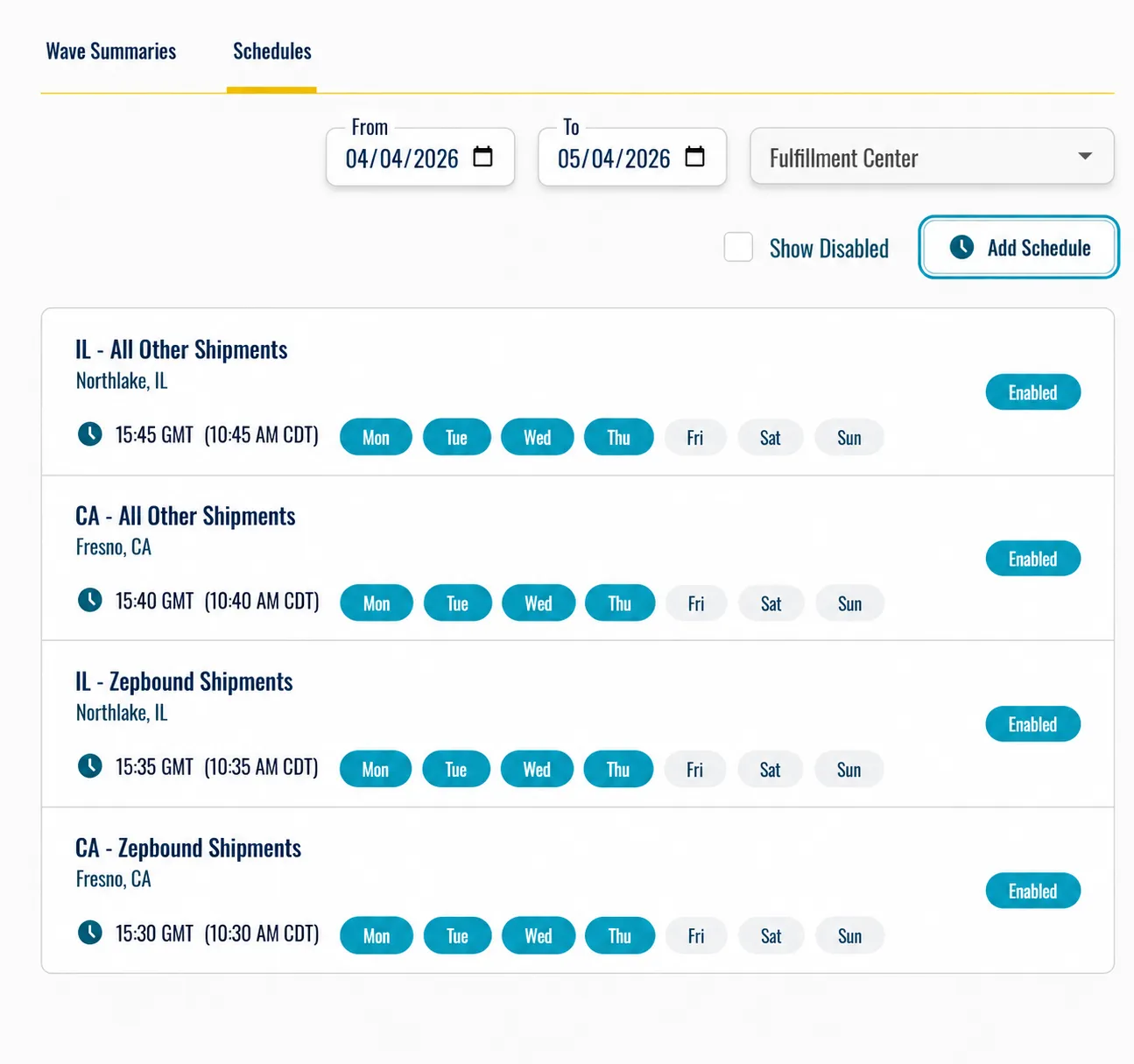
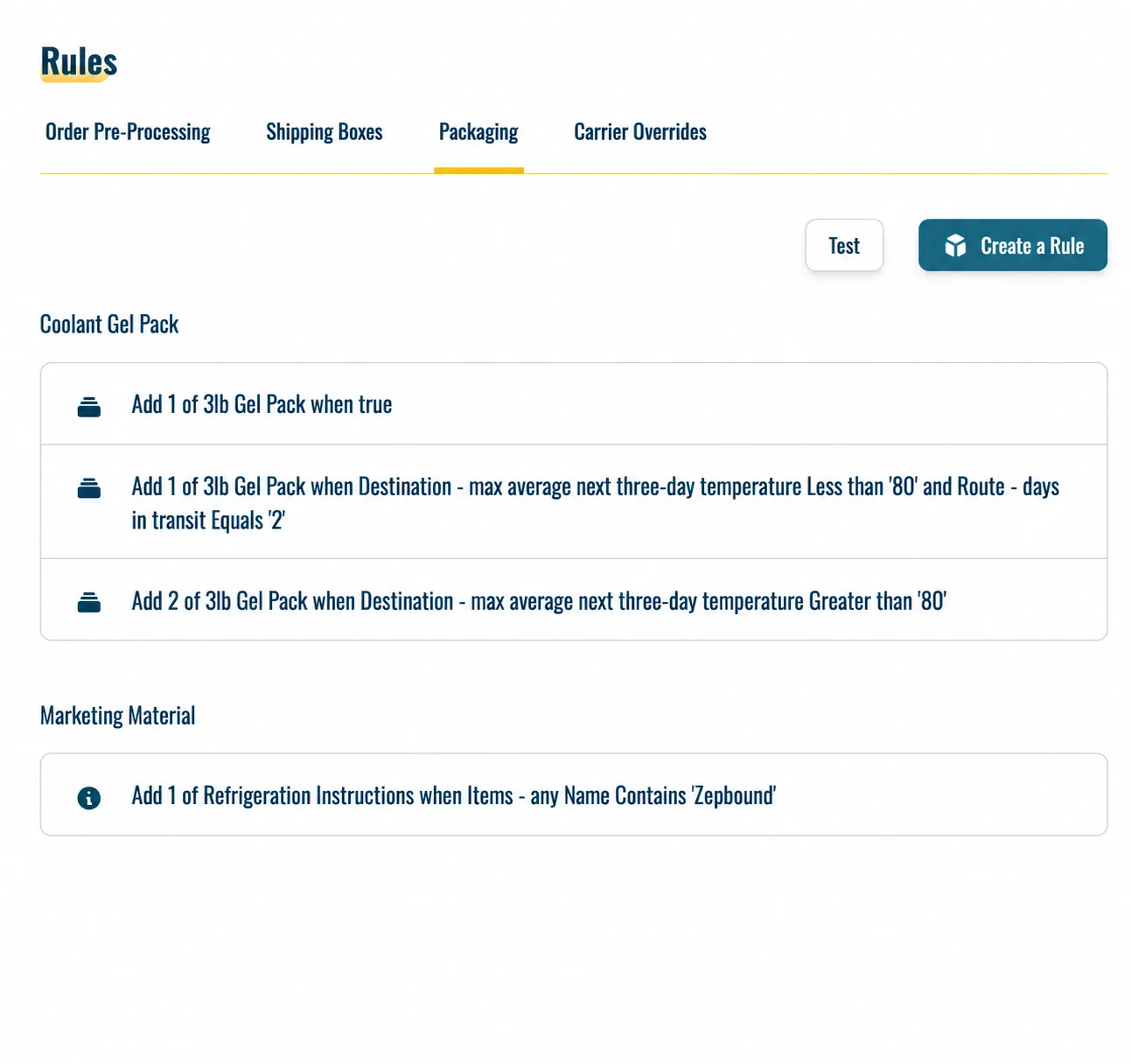
Configuration: Set it, then forget it!
- How to select between Fulfillment Center locations
- Which orders to batch together
- When to send order batches
- How orders should be packed (and how to adapt to weather, etc.)
- How to decide between transportation modes and carriers
- When to add documents and other ‘non-sellable’ items
Execution: Exactly the way you want, to the level of one gel pack!
Order batches automatically sent to each warehouse as set up in Coldcart
- Designated time
- Designated grouping (e.g. by carrier, box type, etc.)
- Designated file format
Fulfillment partners pick, pack, and ship each order as specified by the pick ticket and label
- Each pick ticket includes specific packing, insulation, and handling instructions
- Each shipping label is automatically generated for the selected carrier
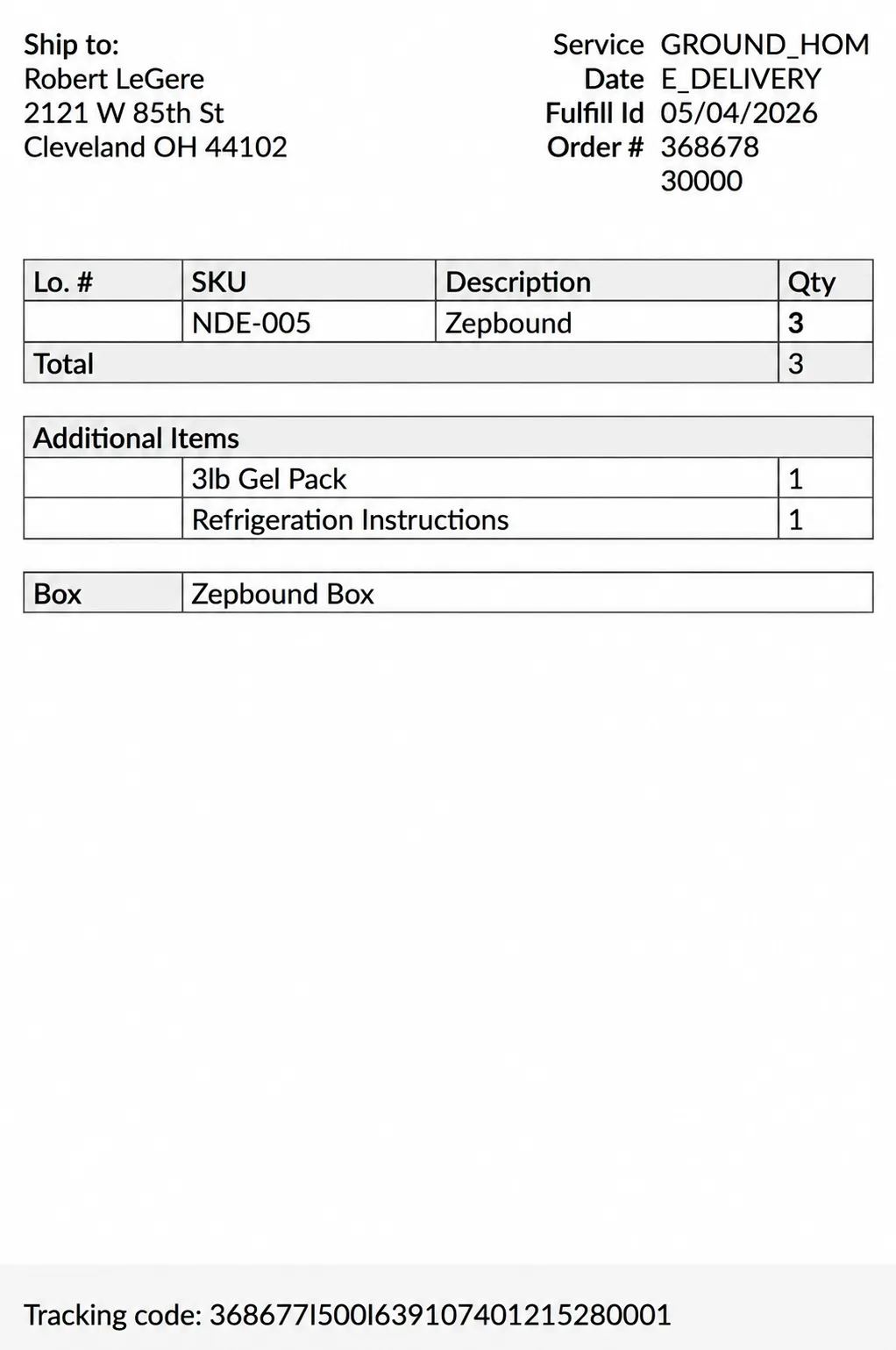
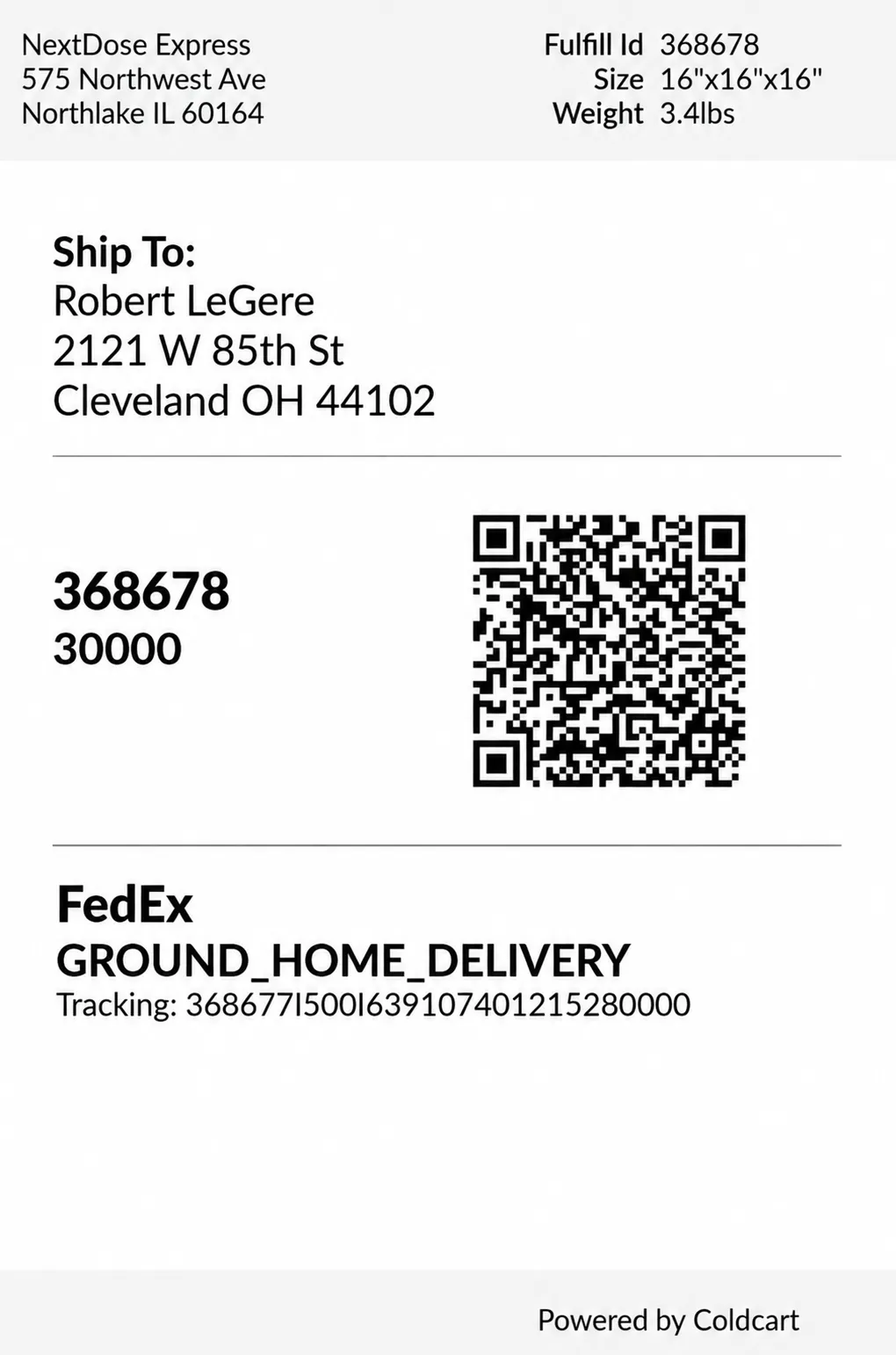
Tracking: More than shipping – the entire chain of custody
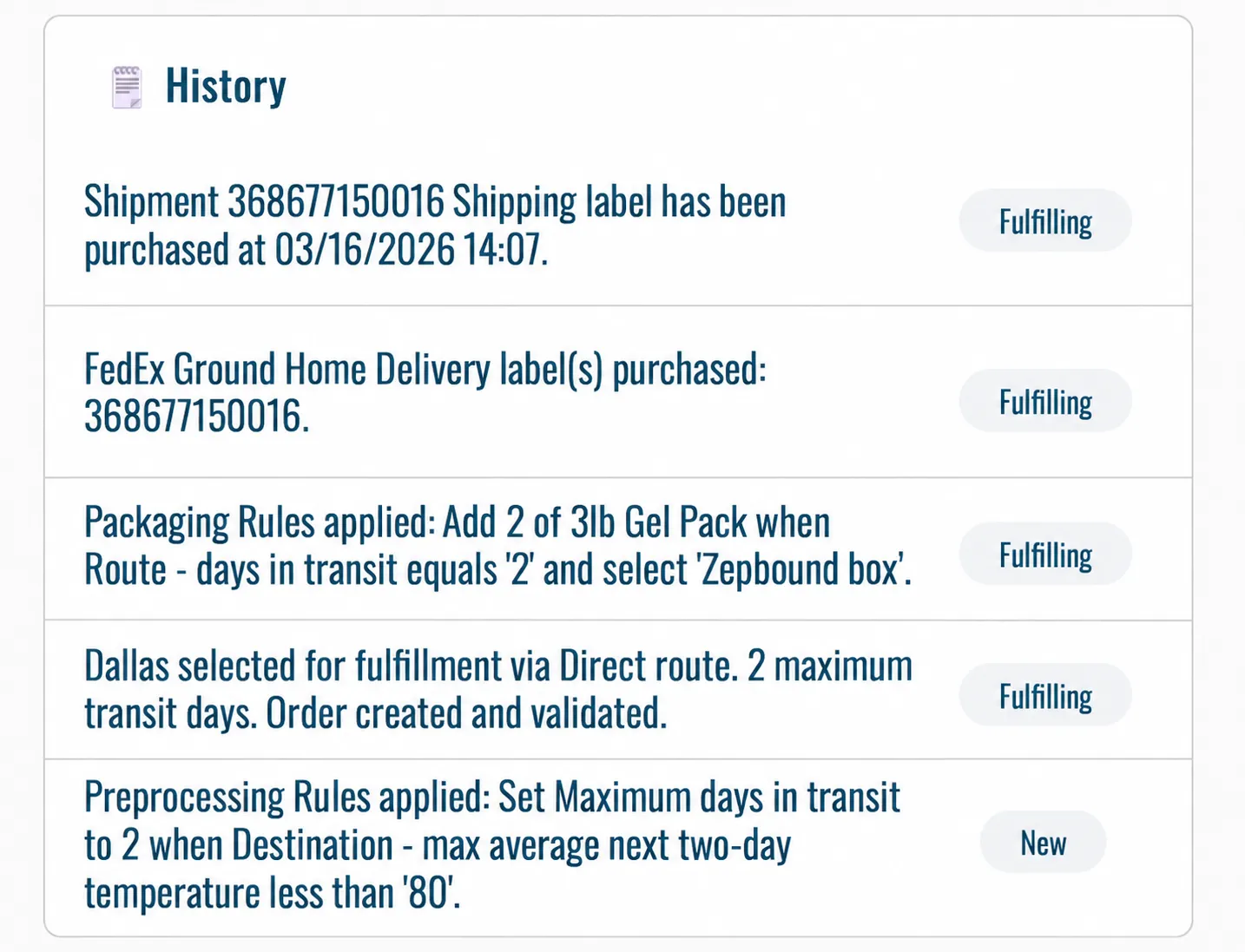
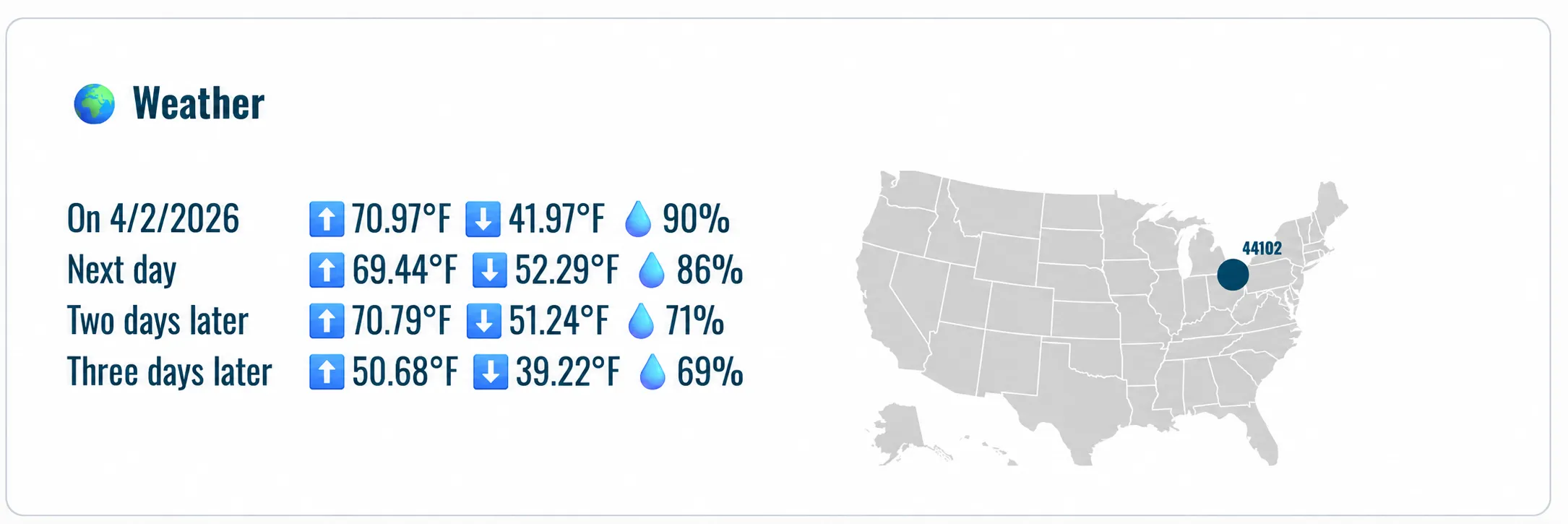
Order history covers each order’s full lifecycle and chain of custody
- When the order was generated
- Maximum delivery time allowed
- What weather was forecasted
- What routing and packaging
- Specified Instructions
- When the order was picked up, received by the carrier, and sent out for delivery
Depth of tracking details dictated by the information collected: e.g real-time monitoring interfaces
- Total cost per order (e.g. packaging, fulfillment)
- Issues and anomalies tracking (e.g. thaws, late pickups)
Branded customer-facing tracking links are available upon request